Mealime’s Guide to Meal Planning
Meal planning can feel like a daunting task, especially if you’re new to the game. Scouring the web for recipes that taste good but don’t take all night to make, planning around your schedule, adding up ingredients to make a grocery list… you can see why having a strategy is important. That’s what we are here for. To lay out some guidelines and show you how to utilize Mealime as the ultimate meal planning tool so you feel confident executing your weekly meal plan with ease.
What is meal planning?
To begin we wanted to clarify what meal planning actually is. Just like it sounds, meal planning is choosing any number of meals you will eat in advance and shopping for all the ingredients you need. The beauty of meal planning is it’s not one size fits all. Many people meal plan for one week at a time, but some do a few days or even two weeks at a time. For the sake of this guide, we will be referencing a ‘one week meal plan’ but do whatever makes the most sense for you. Meal planning doesn’t have to be limited to dinner either. Breakfast and lunch can also be planned for, it all depends on what ultimately reduces stress on you during your week.
Setting Your Preferences
Before you start searching for recipes you’ll need to decide how you want to manage food preferences with Mealime. If you are comfortable with substituting ingredients in recipes and want to maximize the recipes available to you in the app, you may choose to not enter your ‘disliked’ foods or follow a restricted menu type. For example you may choose to follow a classic menu type rather than a vegetarian menu type because you don’t mind omitting meat and/or adding a plant based protein substitute. If you don’t want to think about substitutions, we’ve got you. Mealime will do the work for you, just enter your dislikes, food restrictions, and preferred menu type to find recipes best suited to your needs.
Getting Started

You will want to decide which day of the week works best to sit down and do your meal planning on. You may want to do your planning Friday, shop on Saturday, and maybe do a little prep on Sunday (read more on meal prepping below). Or, you may want to plan and shop all in the same day.
Meal planning should reduce mid week stress, not add to it. So to begin your meal planning process, take a look at your upcoming week and note which days on your schedule are extra busy and which days you have a little more time. This will tell you what types of meals you need. For nights the kids have soccer practice or you have a meeting to attend you’re probably going to want something easier, so for these nights choose recipes you are familiar with that have a shorter estimated cook time.
Using What You’ve Got
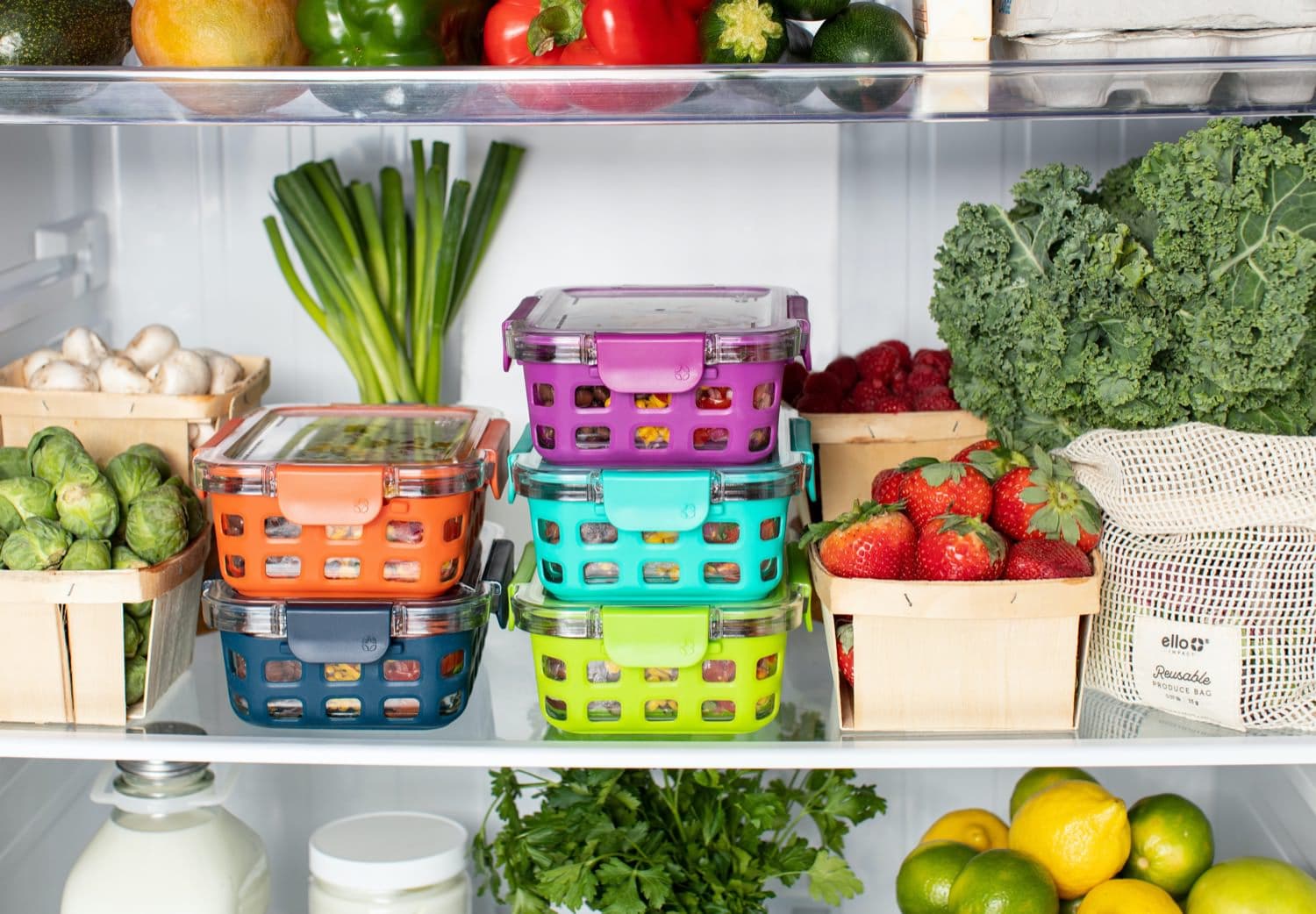
Taking stock of what you have is also a helpful practice to incorporate into the meal planning process. This helps to reduce food waste and keeps your freezer and pantry from getting out of control. Start with your fridge to prioritize the most perishable items and then move to your freezer and pantry. Once you know what you want to use, you can search one or more items into the Mealime app to find recipes with specific ingredients. For example you may search “cauliflower and cilantro” to bring up recipes with these items. Mealime also offers ‘recommended meal plans’ which use recipes we know you’ll love based on what you’ve cooked and liked/disliked in the past. The app gives you the option of selecting which items you have in your fridge or pantry that you’d like to use up.
Meal Prep
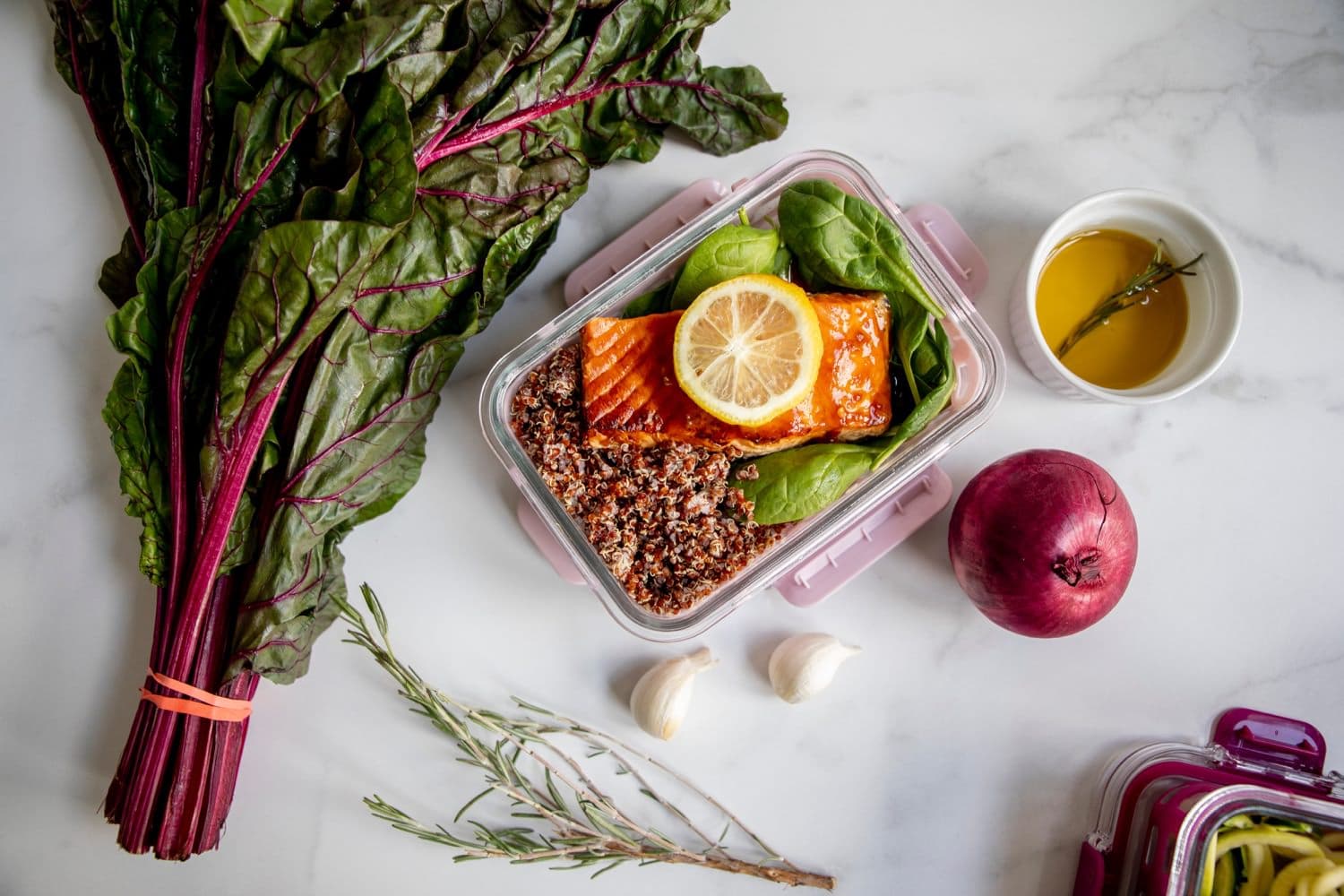
Meal prep can be a massive time saver and many individuals and families integrate some form of meal prep into their meal planning process. Meal prep may look like pre-chopping all the vegetables for a recipe a few days in advance or fully preparing a meal (or batch cooking multiple meals) so all you need to do is reheat when the time comes. If you don’t mind reheated food this can be a great option for those extra busy nights or for next day lunches. If you are planning on having leftovers for lunch adjust the recipe to the number of extra portions you will need. Meals such as soups, stews, pastas, stir-fries, and rice or quinoa bowls generally keep well in the fridge for a few days.

Finalizing Your Plan
You’ve picked meals to cover your busy days and chosen recipes that use up ingredients you already have on hand, so what’s next? If your meal plan needs a few more recipes you may want to try checking your grocery store’s weekly flyer for deals. Once your meal plan is complete you can assign your meals to which day you plan on cooking them using the “Schedule” feature within the app. If you’re using up fresh ingredients you already have on hand, schedule these meals early on in your week.
A comprehensive grocery list will be automatically generated within the app based on the recipes and portion sizes you chose. Take a look through your grocery list and cross off items you already have and add any additional items you may need. To save you some time, you’ll see the list is already categorized according to different sections of the store. Use the generated grocery list to either shop in person or order grocery delivery or curbside pick-up through any of your local grocers that are integrated with Mealime.
Make it Sustainable
Managing expectations is important when we are implementing new changes. Expect some trial and error in the beginning to figure out the system that works best for you. Be patient with yourself, start slow, and build on your success. Once you master your individual process and see the benefits of saving money and eating healthier, our bet is you won’t turn back.